How Minty works
Short step-by-step guides with real screenshots of Minty.
Scan a graded slabPokédex Binder & Cameo FinderSet TrackerCentering CheckerBinder ScanShopping WizardAuction & FacebookWanted boardShip itCard shows
Step 1/4
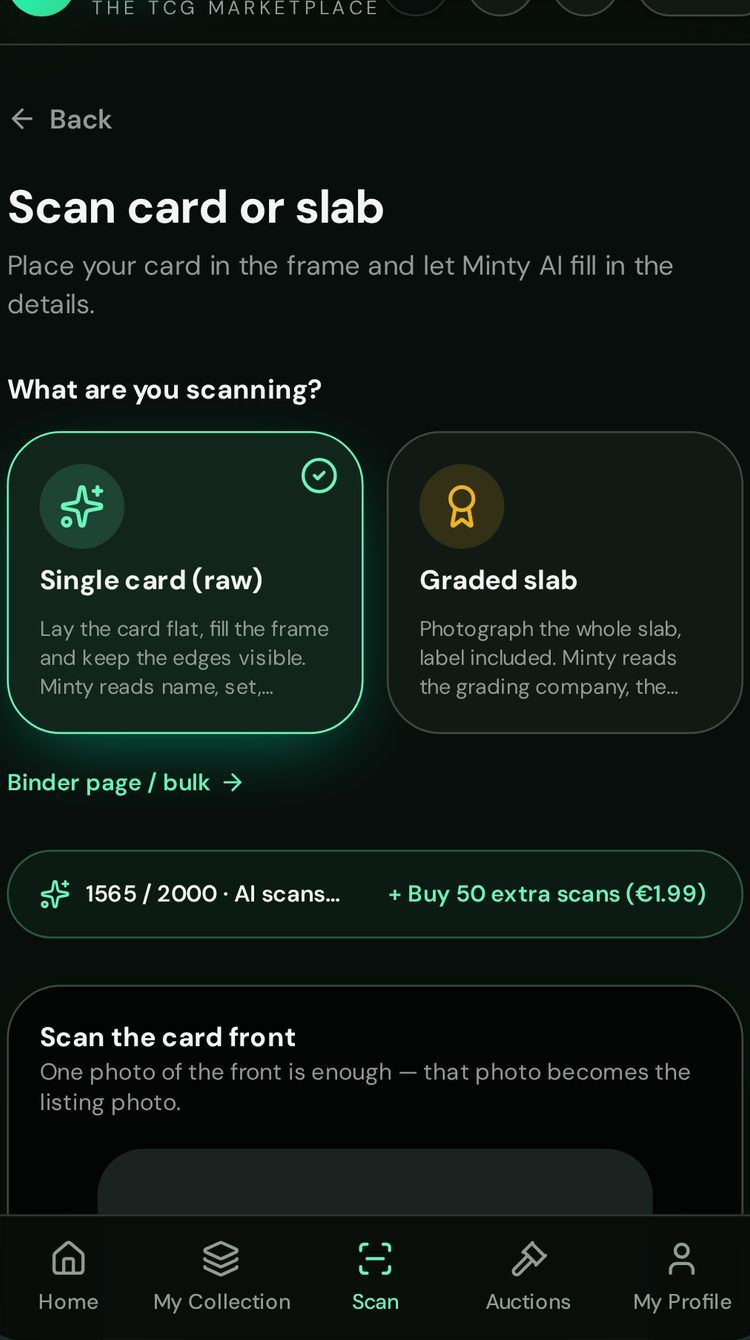
Choose "Graded slab"
On the scan page, pick whether you are scanning a raw card or a graded slab.
Step 2/4
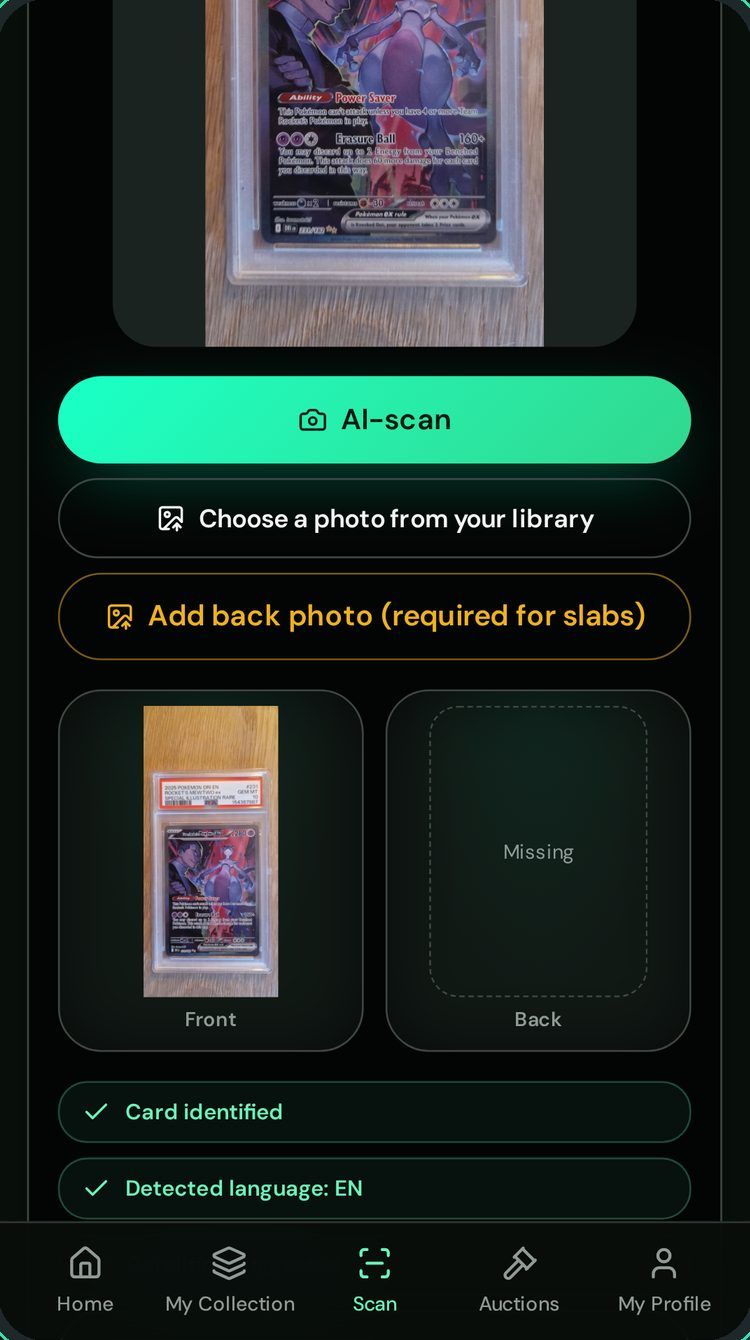
Take one photo
Photograph the front of the slab. Minty recognises the card, set and language.
Step 3/4
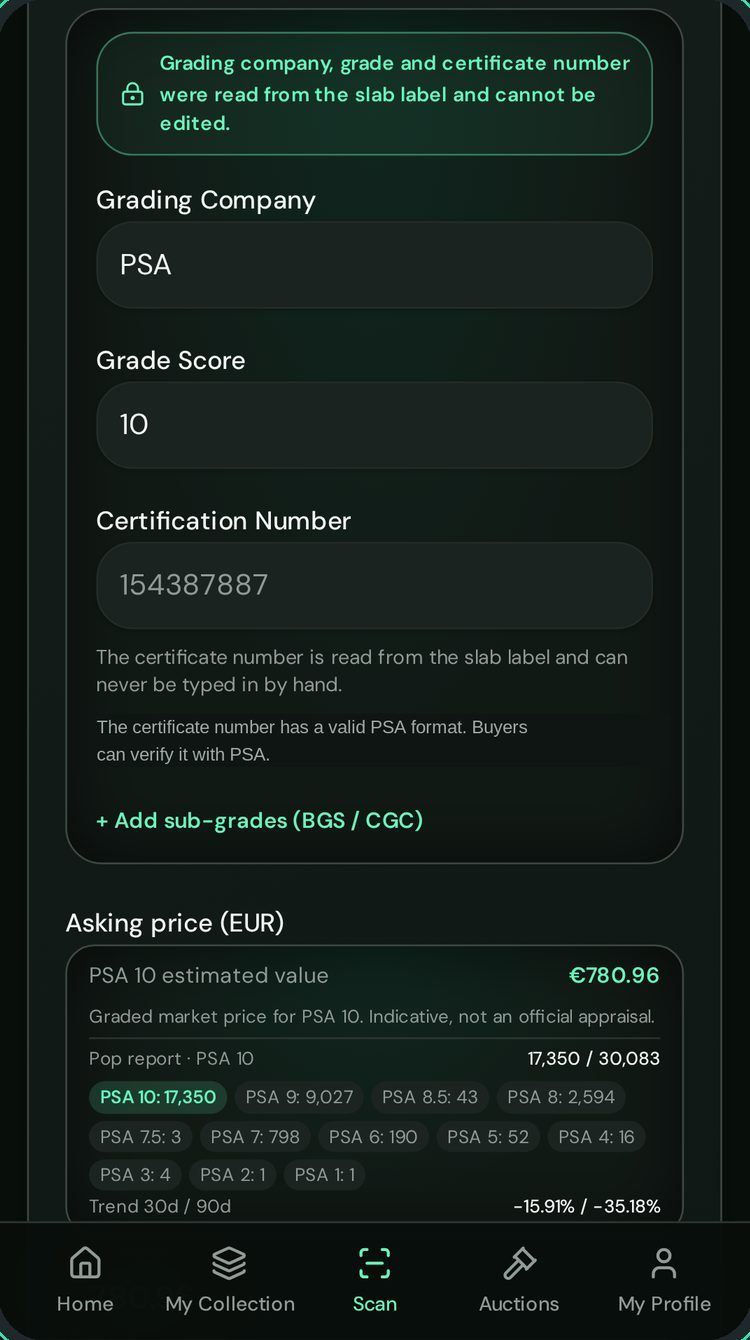
Label read automatically
Grading company, grade and certificate number come from the label scan, never typed by hand.
Step 4/4
See the graded value
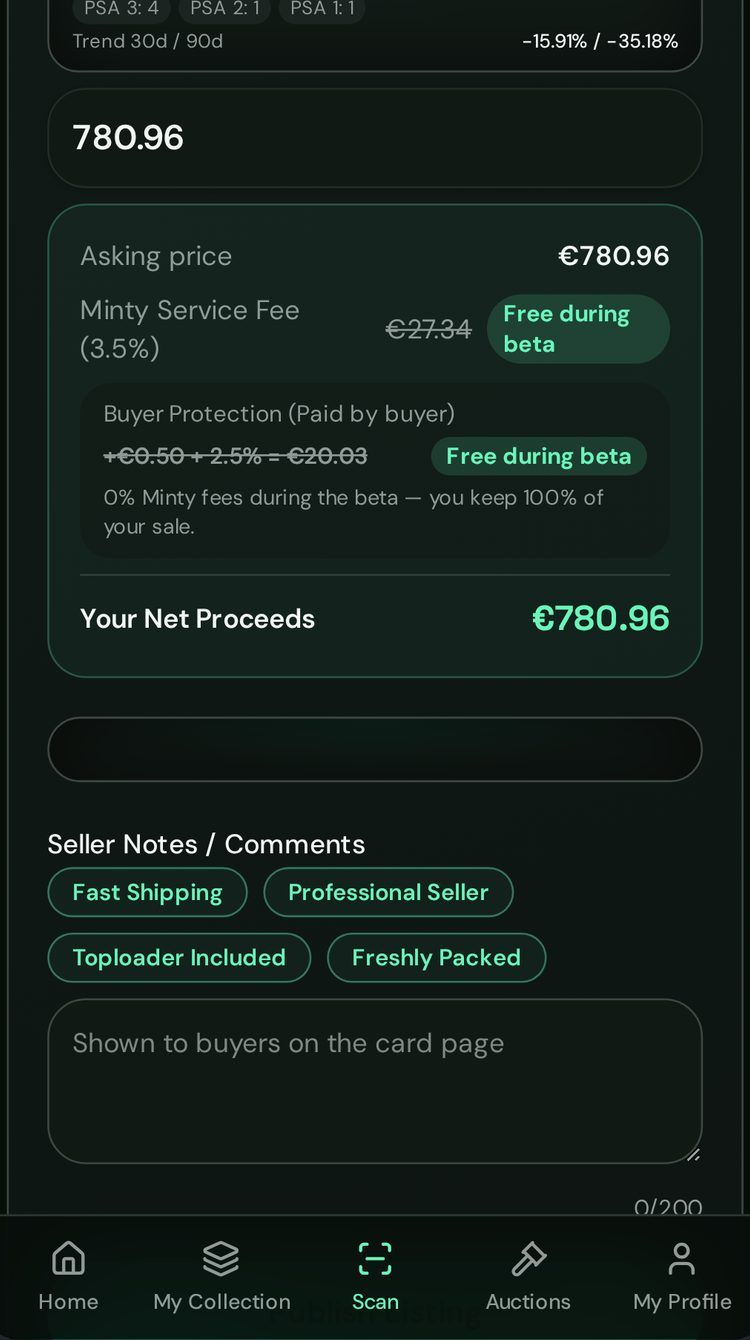
You get an indicative market value for that grade. Then add it to your collection or sell it.