How Minty works
Short step-by-step guides with real screenshots of Minty.
Scan a graded slabPokédex Binder & Cameo FinderSet TrackerCentering CheckerBinder ScanShopping WizardAuction & FacebookWanted board
Step 1/6
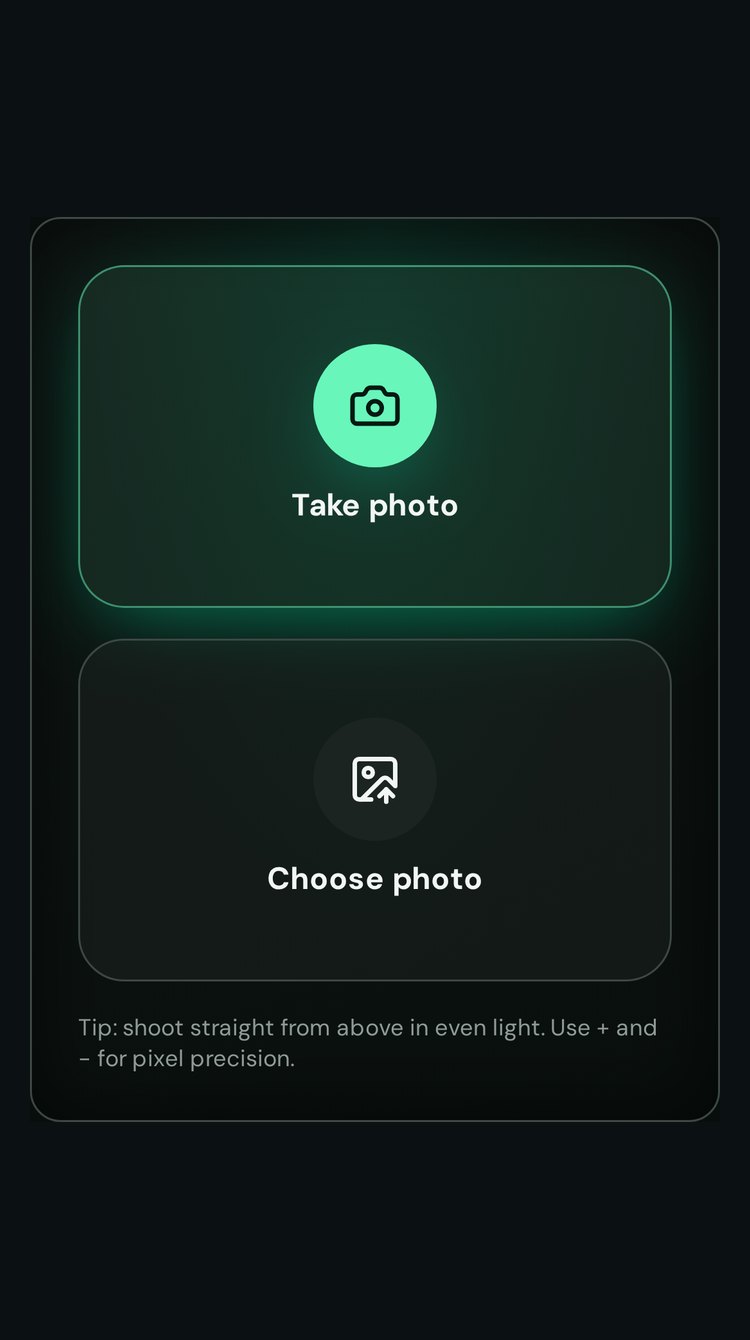
Snap or upload your card
Shoot straight from above in even light — any phone camera works.
Step 2/6
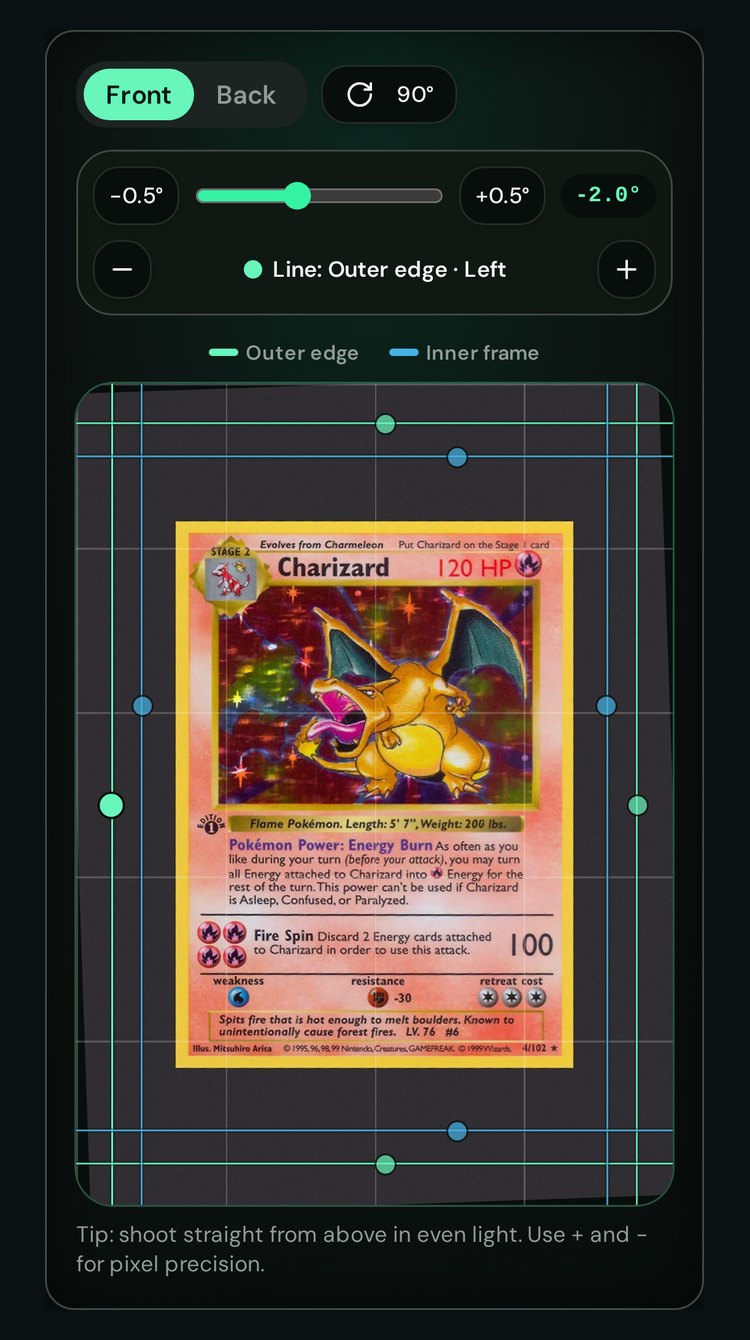
Straighten the photo
Use the tilt slider; a helper grid appears while you rotate.
Step 3/6
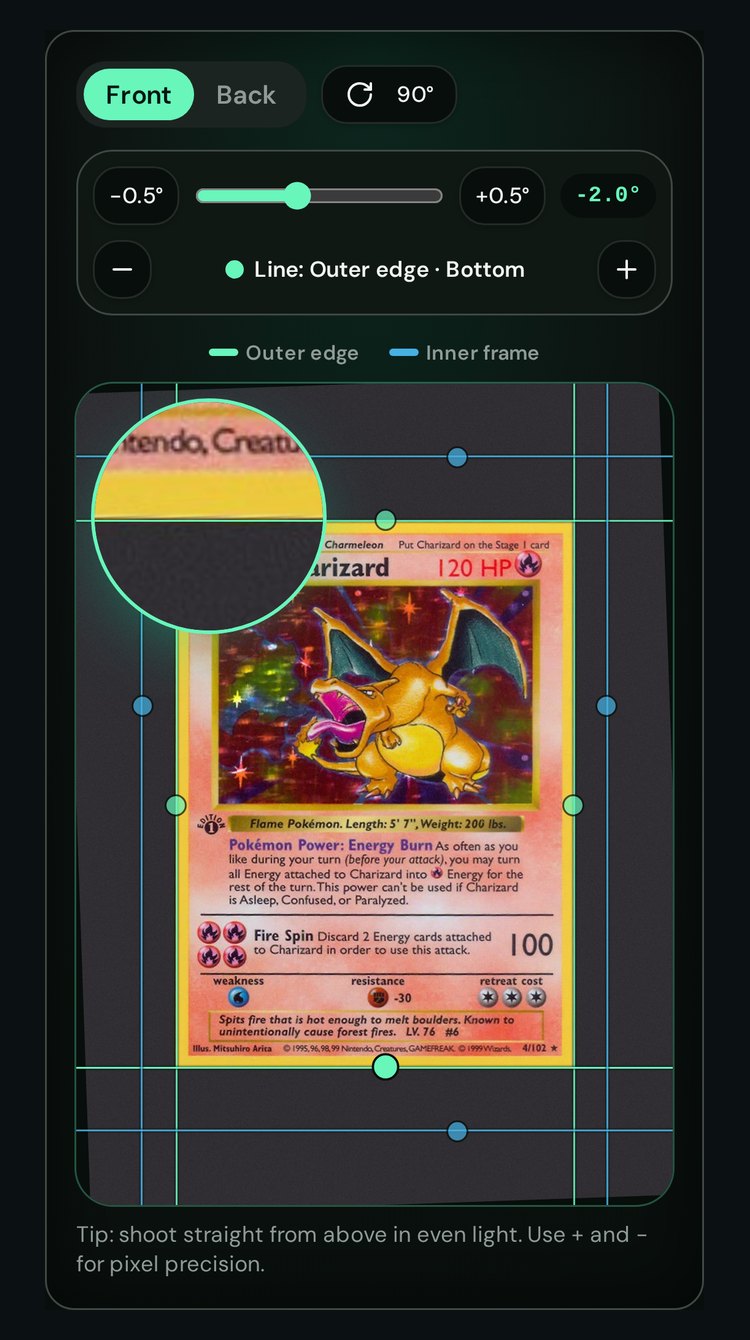
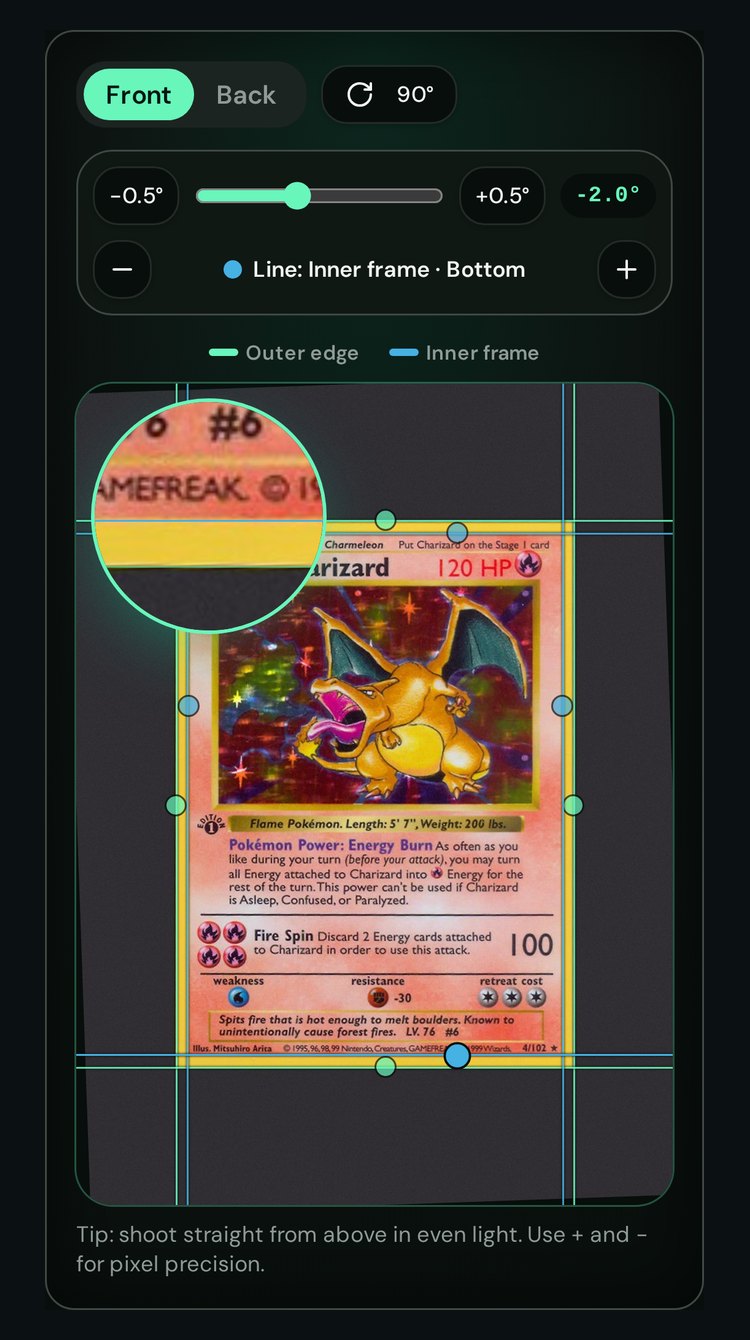
Drag the outer lines
Put the green lines on the card edges. The magnifier and + / − help you place them exactly.
Step 4/6
Drag the inner lines
Put the blue lines on the printed frame around the artwork.
Step 5/6
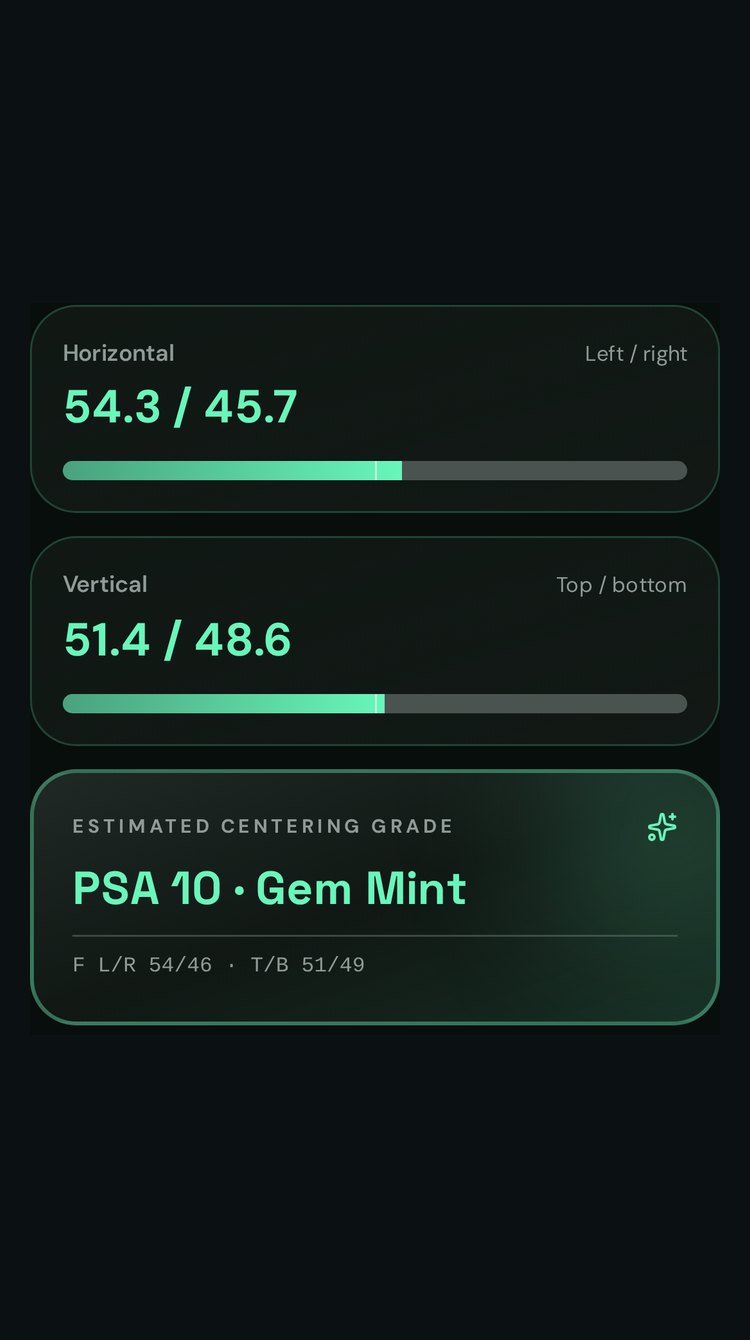
See your result
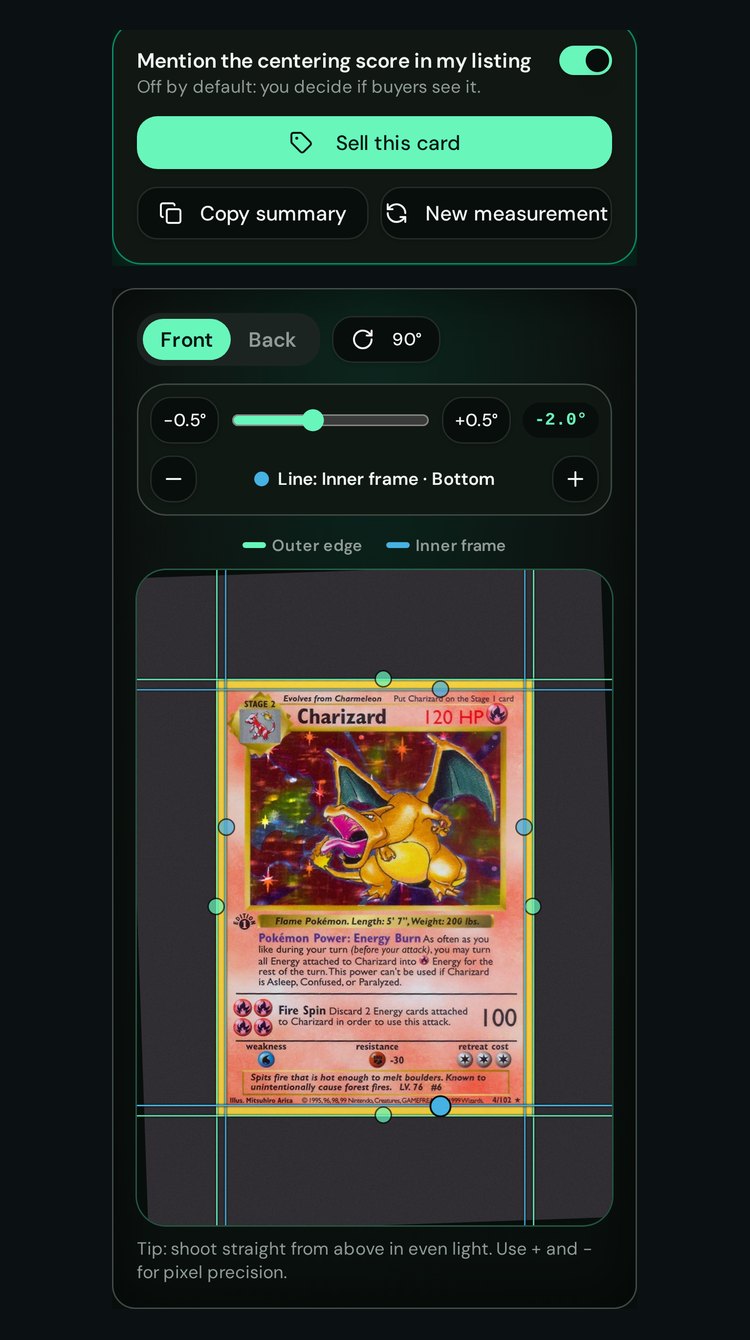
Left/right and top/bottom split with an estimated grade, for the front or the back.
Step 6/6
Share or sell
Copy the result or list the card. You choose if buyers see the centering score.